Find LinkedIn prospects with ICP filters and account context
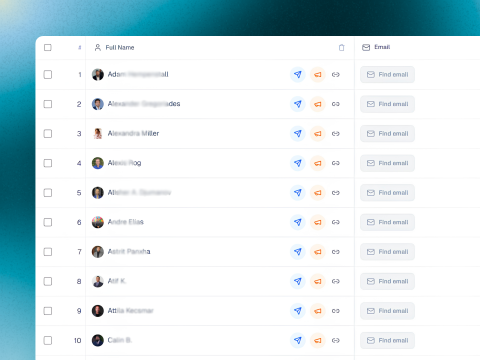
Search for B2B leads by role, company, territory, and buying signal so your LinkedIn prospecting starts with better-fit accounts.
Use Optareach as LinkedIn outreach software to find B2B prospects, automate connection request sequences, personalize messages, and manage replies in one AI-powered workspace.
This walkthrough shows how sales teams use Optareach to build LinkedIn lead lists, launch connection and messaging steps, and keep every reply organized in one workflow.
Search for B2B leads by role, company, territory, and buying signal so your LinkedIn prospecting starts with better-fit accounts.
Rank lead quality and fit so SDRs know which profiles deserve connection requests, follow-ups, and personalized outreach first.
Coordinate profile views, follows, connection requests, messages, and reply logic in one LinkedIn sequence instead of managing steps manually.
Review messages, assign owners, and keep qualified LinkedIn conversations moving toward demos and booked meetings from one shared inbox.
Move from targeting to connection requests to booked meetings without losing context between reps, managers, and AI-assisted LinkedIn workflows.
Use pacing controls, approvals, and review steps before LinkedIn actions or messages go live.
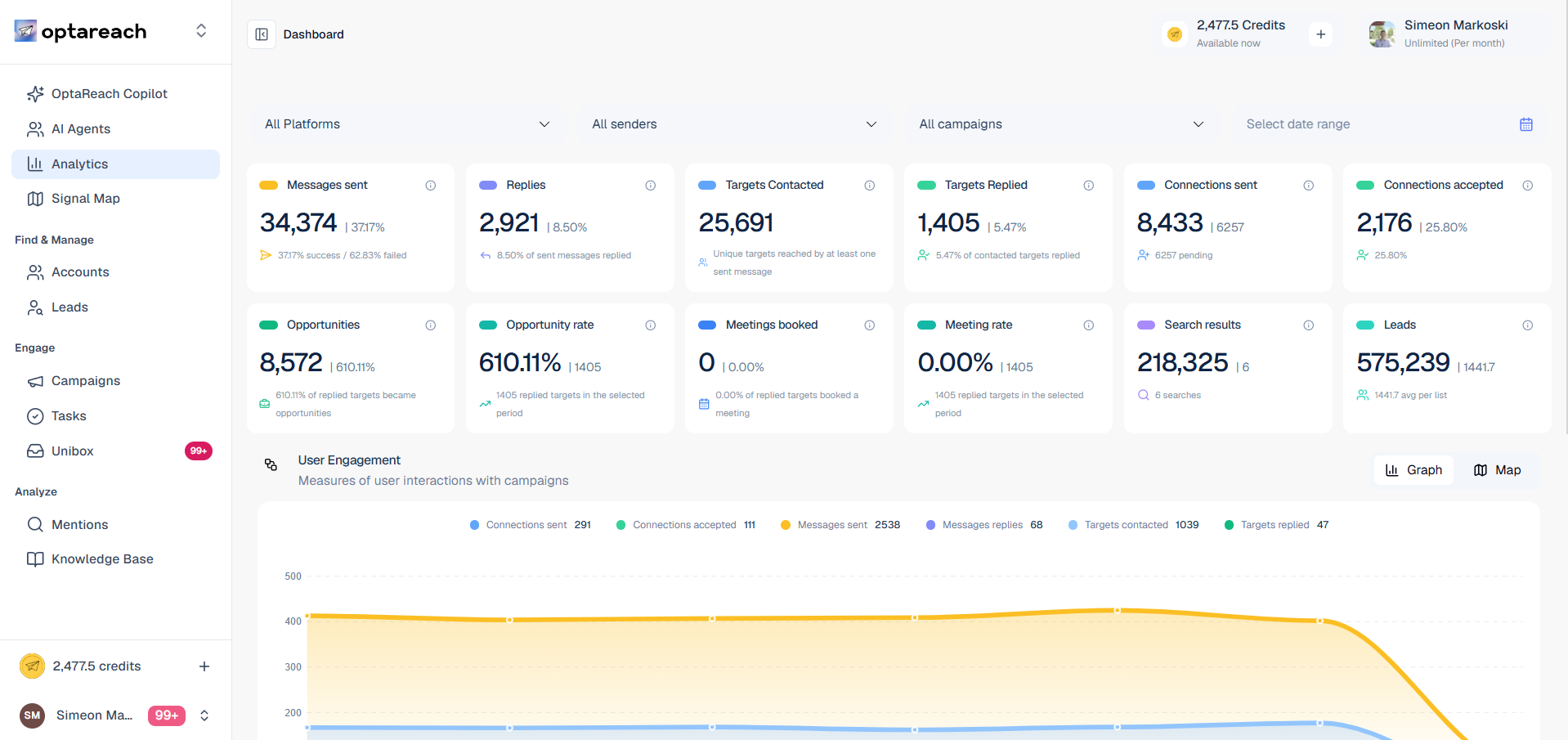
Track sequence activity, connection acceptance, and reply queues without moving back to spreadsheets.
Give every SDR shared messaging, profile context, and AI assistance without slowing down daily outreach.
Unify prospect discovery, campaign execution, and AI-driven reply handling in one system built to help your team move faster than the market.