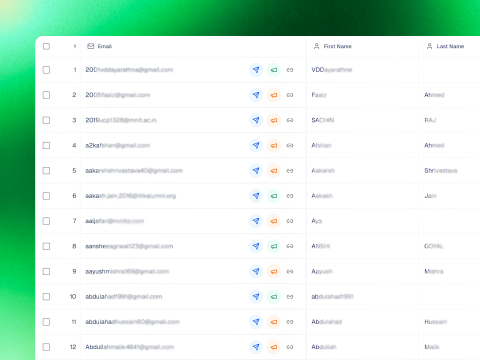
Connect Gmail, Outlook, Hostinger, and SMTP inboxes before sequences go live
Centralize sending accounts, authenticate inboxes, and prepare outbound infrastructure so every email campaign starts from connected mailboxes instead of scattered tools.
Use Optareach to connect Gmail, Outlook, or SMTP inboxes, launch cold email sequences, protect deliverability, draft better replies, and manage every conversation from one AI-powered workspace.
This walkthrough shows how teams connect inboxes, launch cold email campaigns, manage follow-ups, and keep every reply organized in one workflow.
Centralize sending accounts, authenticate inboxes, and prepare outbound infrastructure so every email campaign starts from connected mailboxes instead of scattered tools.
Review sending readiness, pace daily volume, and keep deliverability controls in place before sequences ramp across multiple inboxes.
Coordinate first sends, follow-ups, delays, and stop conditions in one email workflow instead of managing campaigns across disconnected tools.
Review replies, assign owners, catch negative signals early, and keep qualified conversations moving toward booked meetings from one shared inbox.
Move from connected inboxes to outbound sequences to booked meetings without losing context between reps, managers, and AI-assisted email workflows.
Use pacing controls, approvals, and review steps before sends, follow-ups, and volume increases go live.
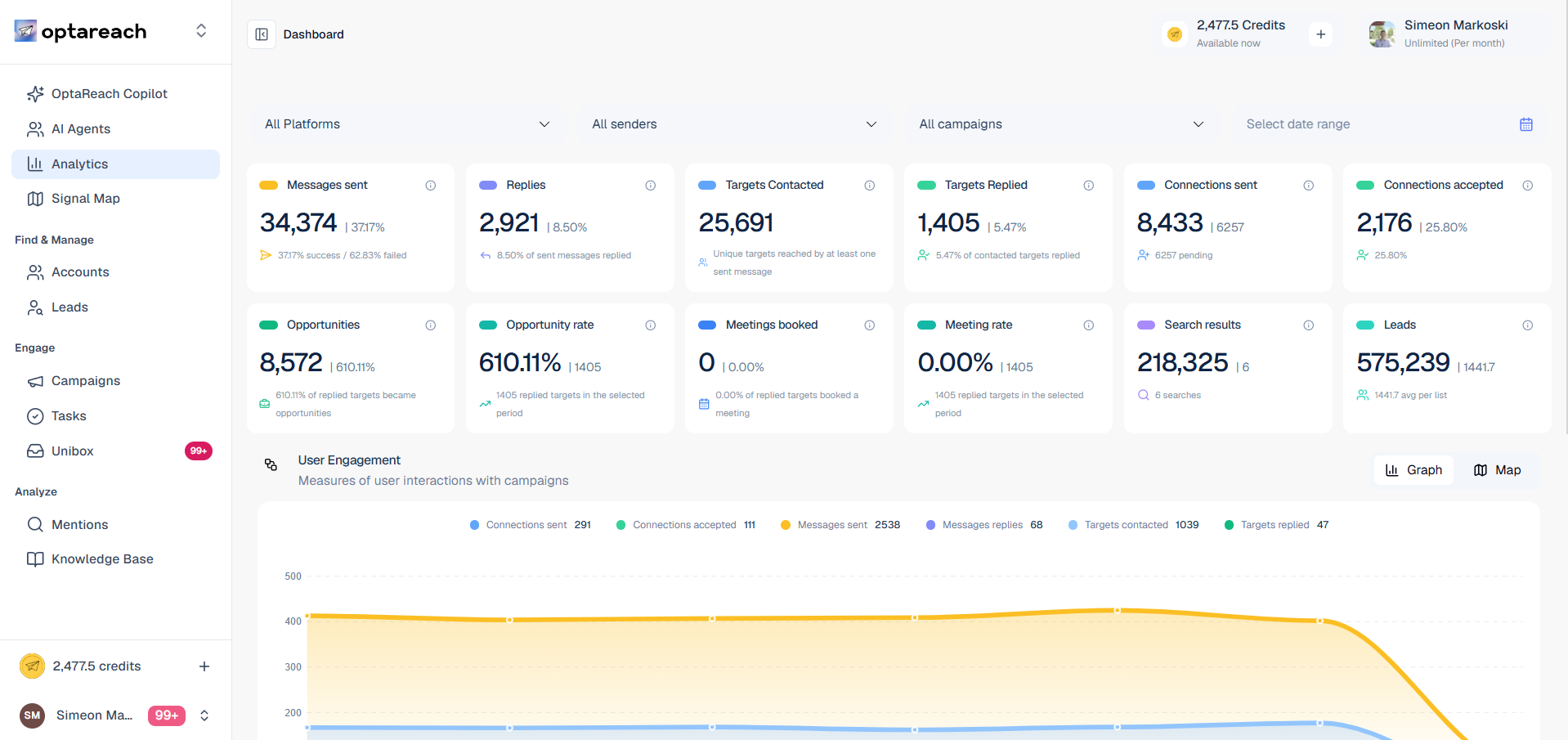
Track send activity, reply queues, inbox ownership, and deliverability output without moving back to spreadsheets.
Give every rep contact context, inbox history, and AI-assisted drafts without slowing down daily cold email execution.
Unify prospect discovery, campaign execution, and AI-driven reply handling in one system built to help your team move faster than the market.