

Utility vs. system
A narrower tool can solve one execution step, while a broader platform can change how the whole team runs outbound every day.
 vs
vs
A narrower tool can solve one execution step, while a broader platform can change how the whole team runs outbound every day.
The key operational question is where conversations, tasks, and accountability live after automation has created engagement.
Teams move faster when managers can review the motion without reconstructing workflow context from multiple places.
| Features | Multi-channel AI SDR | LinkedIn utility |
|---|---|---|
Per Seat Pricing | $39-59 per month | $18-79 per month |
Flat Fee for Unlimited Senders | $2,999 | Custom |
Multiple Senders | ||
Auto-rotate Senders | ||
ICP Scoring | ||
Conditional Sequences | ||
•If Connected | ||
•If ICP Score 0-100 | ||
Connection Request | ||
Messages | ||
Like Post | ||
View Profile | ||
Import Leads from CSV | ||
Import Leads from Sales Navigator | ||
Import Leads from LinkedIn (posts engagement, search link, etc.) | ||
Native Lead Database | ||
Unified Inbox | ||
Cross-platform Lead Discovery | ||
Multi-channel Sequence Flow | ||
Tracked Mentions | ||
AI Sales Agent | ||
AI Reply Agent | ||
Agent Chat |
Check whether the tool covers enough of the motion once the team wants a more unified system than a narrow execution utility usually provides.
Verify how much targeting, list shaping, and qualification still need to happen outside the main workflow before reps can send.
Ask how clearly the platform supports coordinated work across reps, operators, and managers instead of solo-user usage.
Confirm whether live conversations and ownership stay inside the workflow or move into separate tools once interest shows up.
Evaluate how much extra tooling appears when the team wants more channels, more collaboration, or more reporting discipline.
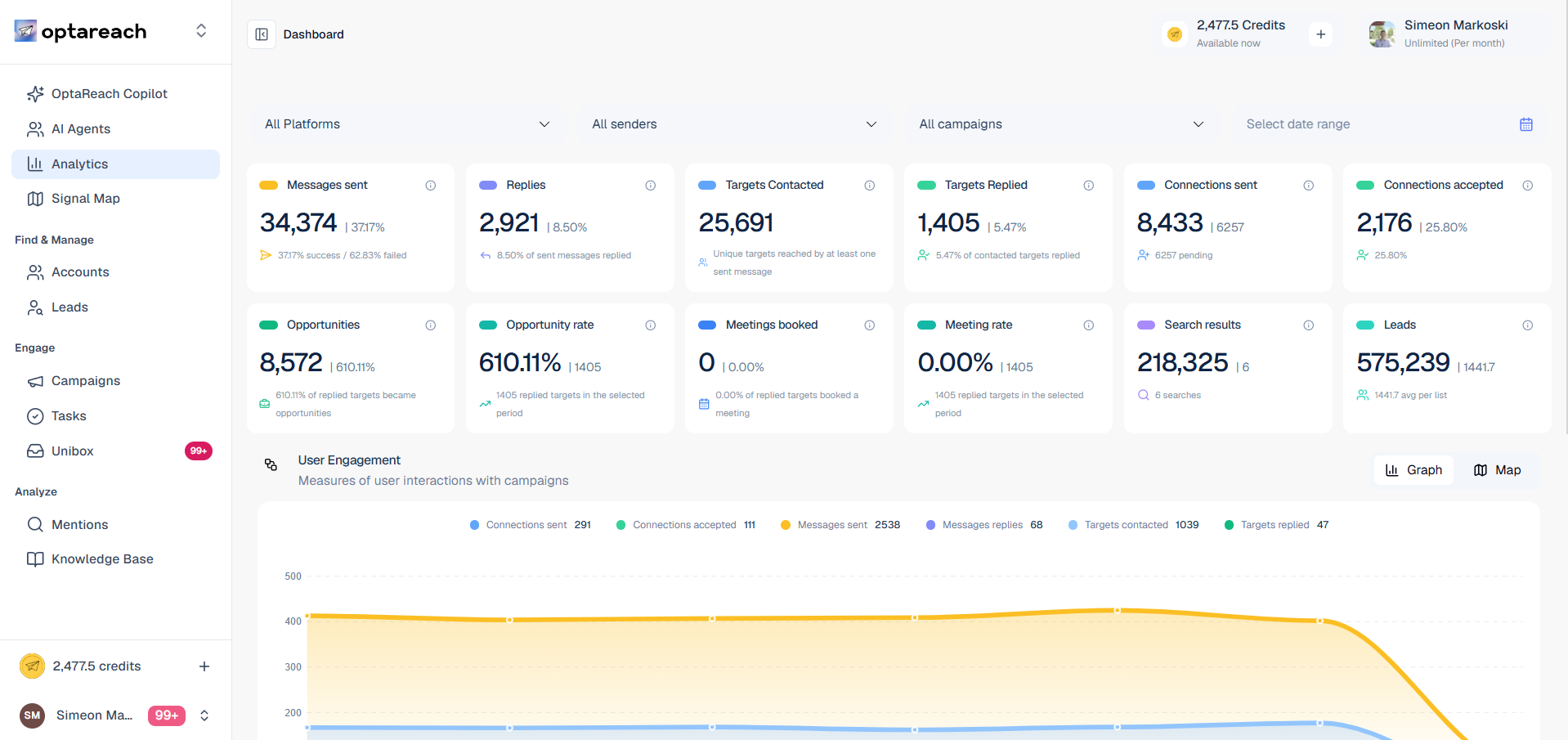
While LinkedHelper covers a narrower LinkedIn utility layer, Optareach is a full operating system for teams that need shared visibility across prospecting, outreach, and replies.
You want a broader operating system instead of a narrower execution utility. Your team needs better shared visibility and ownership. You want reply work closer to outbound execution. You plan to formalize the motion across more than one user.
You only need a tighter utility for one part of the workflow. Solo-user or lighter operations are acceptable today. You are not consolidating adjacent processes yet. A broader operating layer would be unnecessary right now.
Unify prospect discovery, campaign execution, and AI-driven reply handling in one system built to help your team move faster than the market.